Choosing Photos for a Scrapbook: How to Edit Down a Big Stack
A quick three-pile sort, a mix of wide, medium and close-up shots, and one focal photo turn an unmanageable stack into a page-sized selection.
Tutorial at a glance
Materials
- Your stack of prints or a folder of digital photos
- A clear table or desk
- Paper and pencil for notes
- Envelopes or a box for photos you set aside
Most stalled albums stall at the same point: a pile of prints or a folder of files that is far too large to use. Choosing photos for a scrapbook is an editing job, and like any editing job it gets easier once you accept that most of the material will be left out. A page built from four well-chosen photos tells an event more clearly than a page crammed with twelve.
The method below works for a stack of prints on a table and for digital photos you plan to print. Sort quickly first, choose carefully second, and decide what happens to the leftovers last.
Name the story before you sort
Decide what the page is about in one plain sentence, such as “a day at the lake” or “the garden in June”. That sentence becomes the test for every photo: it either helps tell that story or it belongs somewhere else. Without it, every reasonably sharp picture looks like a keeper and the stack never shrinks.
A large event may hold several stories. If you have forty photos from a week away, sort them by day or by place first, and treat each group as its own page or spread.
Sort into three piles
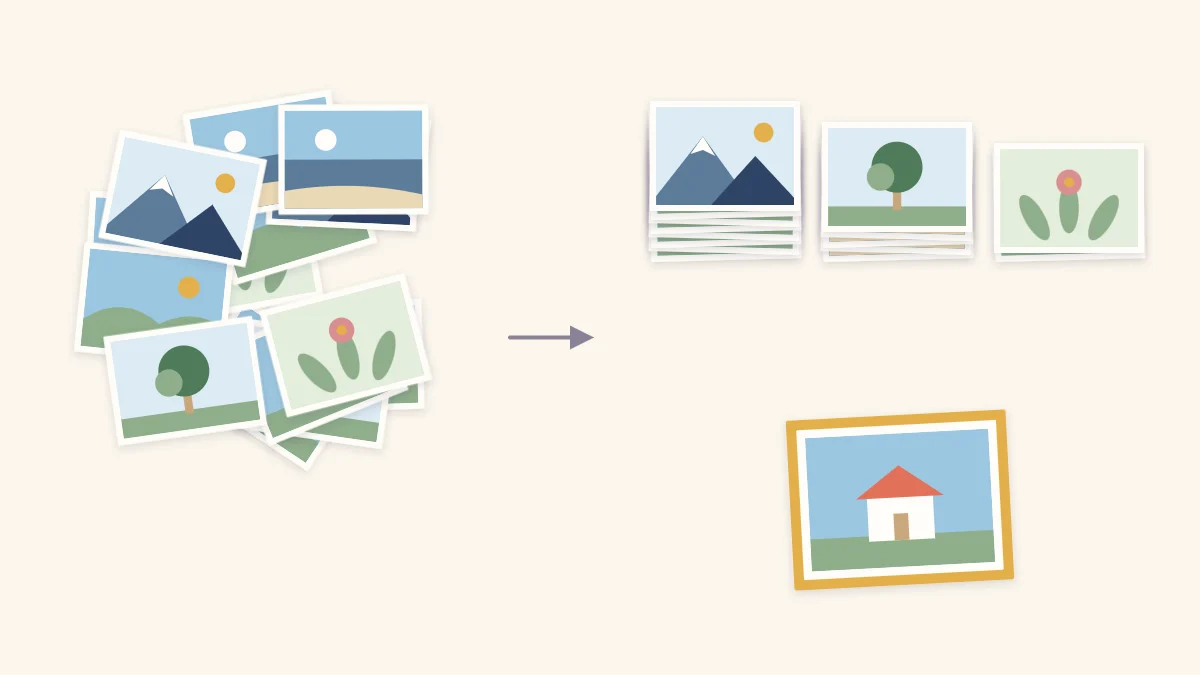
Go through the stack once, quickly, giving each photo a single glance. Put it in one of three piles:
- Yes. Sharp, well lit, and clearly part of the story.
- Maybe. Decent, but similar to another photo or missing something.
- No. Blurred, badly exposed, eyes closed, or a near-duplicate of a better shot.
Speed matters here. First reactions are a good guide to which photos have life in them, and lingering over each one makes everything look worth keeping. Expect the “yes” pile to be the smallest of the three.
Then go back through the “yes” pile only. Where several photos show the same moment, lay them side by side and keep the one with the best expressions. Technical quality comes second: a slightly soft photo of a real laugh usually beats a perfectly sharp photo of a stiff pose.
Tip
When two photos seem identical, cover one with your hand and look at the other for a moment, then switch. The difference in expression or framing shows up faster than it does when you stare at both together.
Mix wide, medium and close-up shots
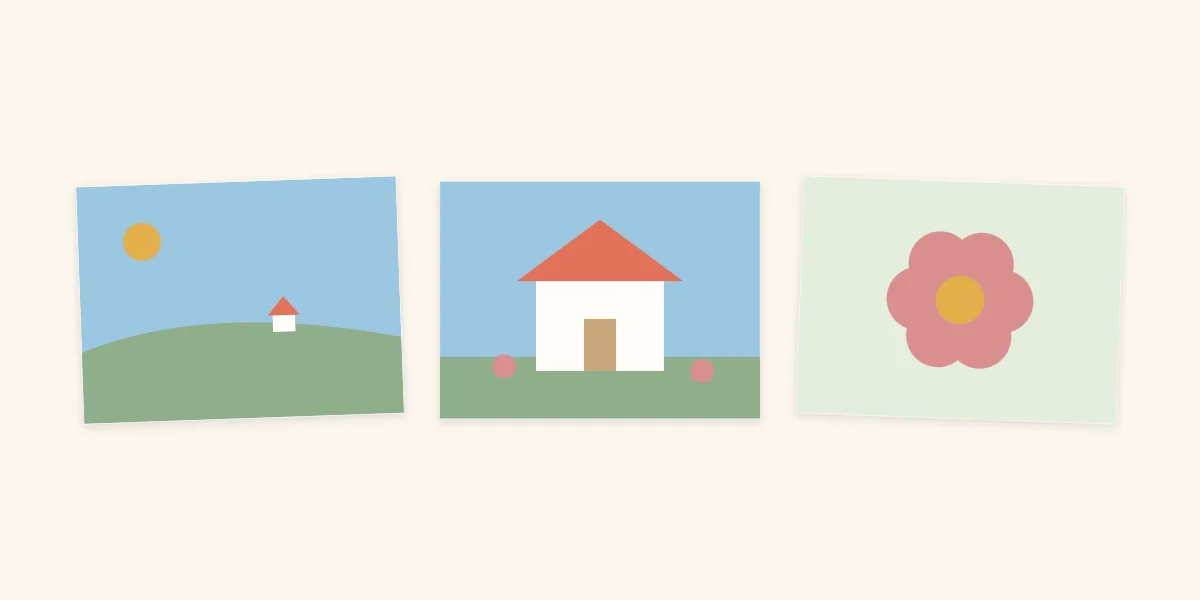
A set of photos all taken from the same distance looks repetitive, however good each one is. The remedy is to choose pictures at three distances:
- A wide view shows where things happened: the whole beach, the house, the street.
- A medium view shows who was there and what they were doing.
- A close-up shows one detail: a single flower, hands at work, a pair of muddy boots.
Together the three work like a short sequence that moves in from the setting to the detail. If the “yes” pile lacks one of the three, look for it in the “maybe” pile before settling for another medium shot. Close-up details are the ones most often missing, and they are frequently the photos that bring a page to life.
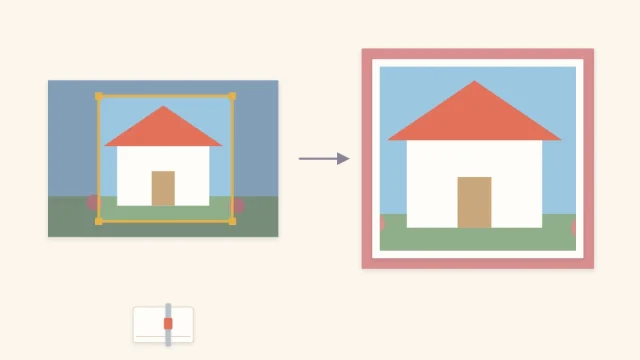
A close-up can also be made. Trimming a copy of a medium shot down to one small area gives you a detail photo you did not take; the guide to cropping and matting photos explains how to do that cleanly.
Pick the focal photo
From the final selection, set one photo apart as the focal photo. It should be the picture that sums up the story on its own: usually the one with the strongest expression or the clearest action, not necessarily the most technically perfect. This photo will be the largest on the page, and every other choice supports it.
If you cannot choose between two candidates, that is a sign the event deserves two pages, each with its own focal photo.
Match the count to the page
How many photos to keep depends on what you plan to make. Decide the format first and edit to fit it, rather than keeping everything and hoping it fits.
| Photos kept | Format that suits them | Notes |
|---|---|---|
| 1 to 3 | One layout with large photos | Room for a long title and journaling |
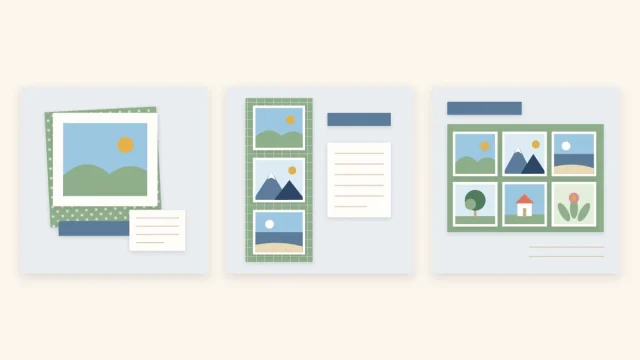
| 4 to 6 | One layout with most photos trimmed small | Use a grid or a tight block |
| 7 to 10 | A two-page spread | One focal photo for the whole spread |
| More than 10 | Several pages, pocket pages or a mini album | Split by day, place or subject |
For arrangements at each count, see the guide to arranging one to six photos on a page.
What to do with the rest
Leaving a photo off the page does not mean throwing it away. Good photos that did not fit have several uses:
- Slip a few extras into a pocket on the page, so they are stored with the layout without crowding it. The guide to scrapbook pockets shows how to make one.
- Gather a set of related leftovers into a small project of their own, such as a mini album from one sheet of cardstock.
- Store the remainder in a labeled envelope or box, sorted by event, where they are easy to find again.
The “no” pile is a personal decision. Duplicates and blurred shots can go, but hesitate before discarding the only picture of a person or place, however poor it is.
Keep the originals safe
Once the selection is made, check which of the chosen photos are irreplaceable. Older prints with no negative or digital file should be copied, and the copy used on the page, especially if any trimming is planned. For digital photos, keep a backup of the files in a second location before printing.
Watch out
Write the date, place and names on a separate note while you still remember them, and keep it with the chosen photos. Stacks of ordinary days are worth the same care as big events; the ideas for family memory pages built from everyday moments show where those photos can go. Avoid pressing hard with a pen on the back of a print, because the marks can show through on the front.
Frequently asked questions
How do you choose between very similar photos?
Lay them side by side and compare expressions first, then framing, then sharpness. A natural expression usually matters more than technical perfection. Keep one for the page and store the others rather than using several versions of the same moment.
What makes a good focal photo?
A focal photo sums up the story of the page without help from the others. It usually has the strongest expression or the clearest action. It will be the largest photo on the layout, so it should also be sharp enough to hold up at that size.
What should you do with photos that do not make it onto a page?
Tuck a few into a pocket on the layout, use a related set for a mini album, or store them in a labeled envelope sorted by event. Leaving a photo off a page is an editing choice, not a reason to discard it.